Operations
Fish Restaurant Ordering System
Build your fish restaurant’s online ordering channel under your brand. Manage web and QR orders in one system and track delivery, pickup and restaurant operations together.
- Online order
- Admin panel
- POS / Kitchen
- Delivery
One system
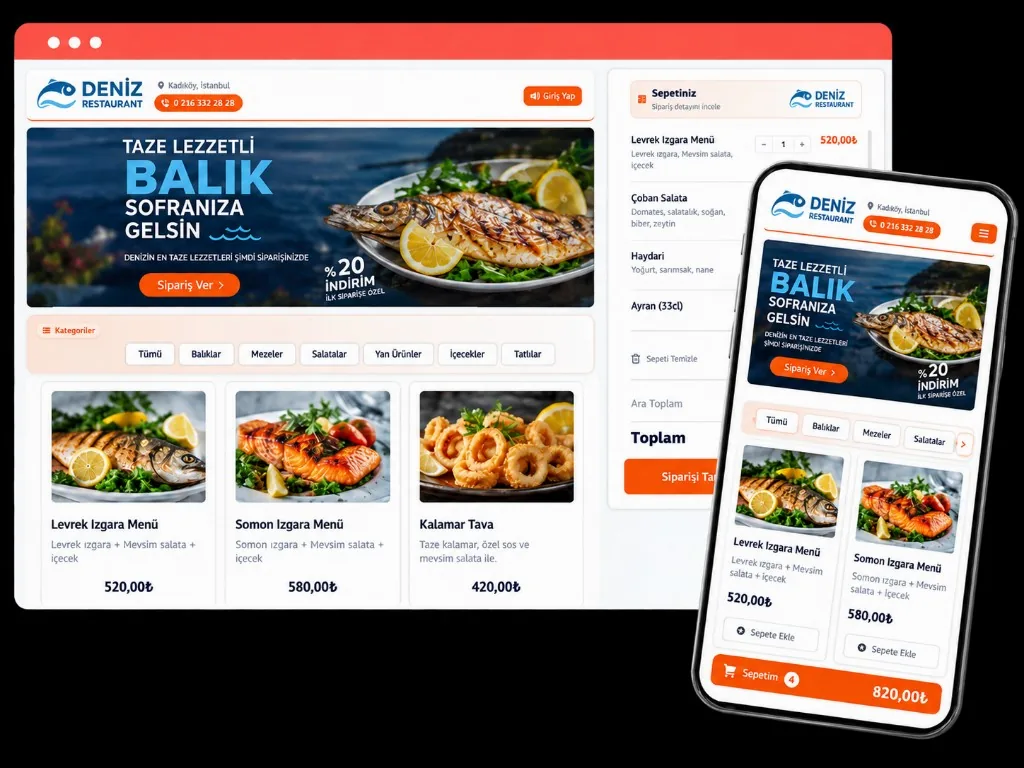
Run the Fish Restaurant Order Process in One System
Orders can arrive from many channels. When website, QR, phone, in-restaurant and delivery flows stay separate, tracking gets hard.
Dijifis connects your online ordering channel with restaurant operations so orders stay organized.
Your order channels
- Web online ordering
- QR ordering
- Delivery
- Pickup
- In-restaurant orders
Ops flow
What Happens After an Order Arrives?
-
1. Order is placed
The guest creates the order on an online channel.
-
2. Order reaches the business
The order appears in the admin panel.
-
3. Prep starts
The order is sent to POS, kitchen or prep screens.
-
4. Order is prepared for handoff
The flow continues based on delivery or pickup.
-
5. Order is completed
After delivery or guest pickup, the order is closed.
Channel control
Manage different order channels from one place
Instead of tracking web, QR and delivery orders in different places, view them in a central panel.
Web orders
Orders from your own online ordering page.
QR orders
Orders created via QR inside the restaurant.
Delivery orders
Orders taken for delivery.
Pickup orders
Orders the guest collects from the restaurant.
- #1042 · WebNew
- #1041 · QRPreparing
- #1040 · DeliveryReady
- #1039 · PickupDelivered
Operations
Don’t disconnect online orders from restaurant ops
Taking online orders on the guest side isn’t enough. The order must reach the right person and screen inside the business.
With Dijifis you can shape the order flow around how your restaurant already operates.
Supported operations
- POS / cash desk
- Kitchen display
- Kitchen printer
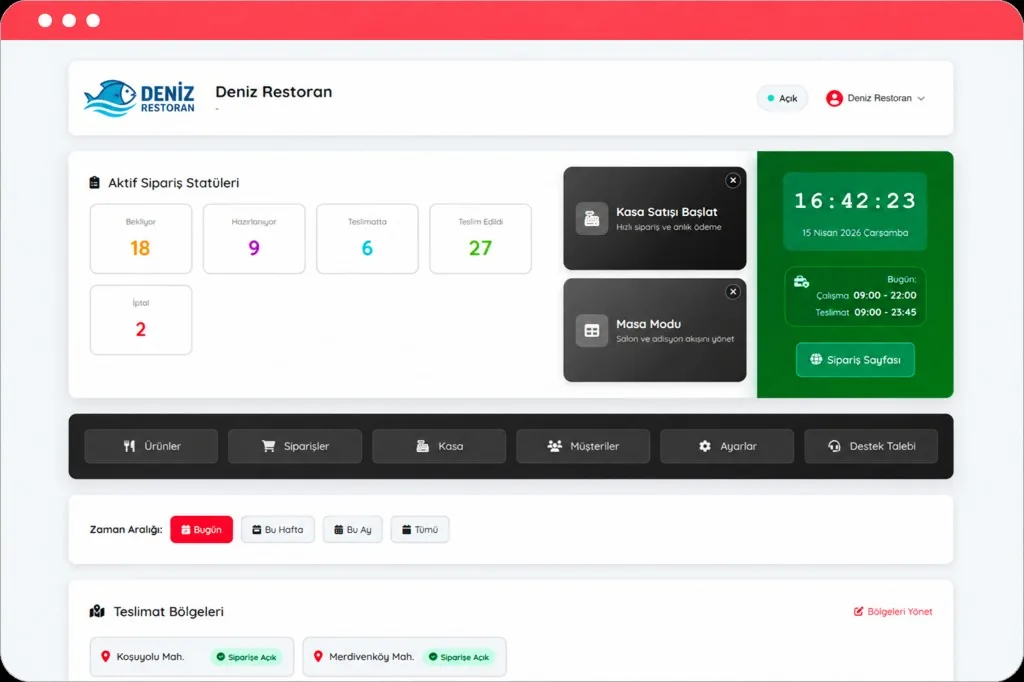
- Order statuses
- Delivery process
Status tracking
See which stage every order is in
Track order statuses in the panel so your team knows what to work on.
- New order
- Confirmed
- Preparing
- Ready
- Delivered
Cancelled orders can be tracked separately.
New
Preparing
Ready
Delivered
Fulfillment ops
Manage delivery and pickup orders your way
Apply your restaurant’s rules to delivery and pickup orders.
- Delivery zones
- Minimum order
- Delivery fee
- Pickup option
- Prep time
- Online payment
- Pay on delivery
Fit
Who Is the Fish Restaurant Ordering System For?
Single-location businesses
Businesses that want to connect online ordering to restaurant operations.
Single locationDelivery-heavy restaurants
Restaurants handling many delivery orders each day.
Delivery focusBusy coastal restaurants
Teams that need order flow control during peak season and weekends.
Peak seasonChains and franchise brands
Brands managing order processes across multiple locations centrally.
Multi-locationMulti-location
Manage your locations centrally
Brands with multiple fish restaurants can run ordering processes from a central structure.
- Location-based order tracking
- Location menus
- Location operations
- Central management
- Location reporting
Reports
See how many orders each channel brings
Review order data by channel and period—not only as a day-end total.
- Online orders
- QR orders
- Delivery
- Pickup
- Location orders
- Order count
- Revenue
- Average basket
Build Your Fish Restaurant Ordering System
Manage online orders, QR orders and restaurant operations under one structure.